The message looked official enough. An event she never created had landed in her Google Calendar, with a title that sounded urgent and a link inside. Ingrid Schmidt (@ingridexplainsitall) says she almost fell for it, and now she is sharing the one setting that she says would have prevented the whole thing.
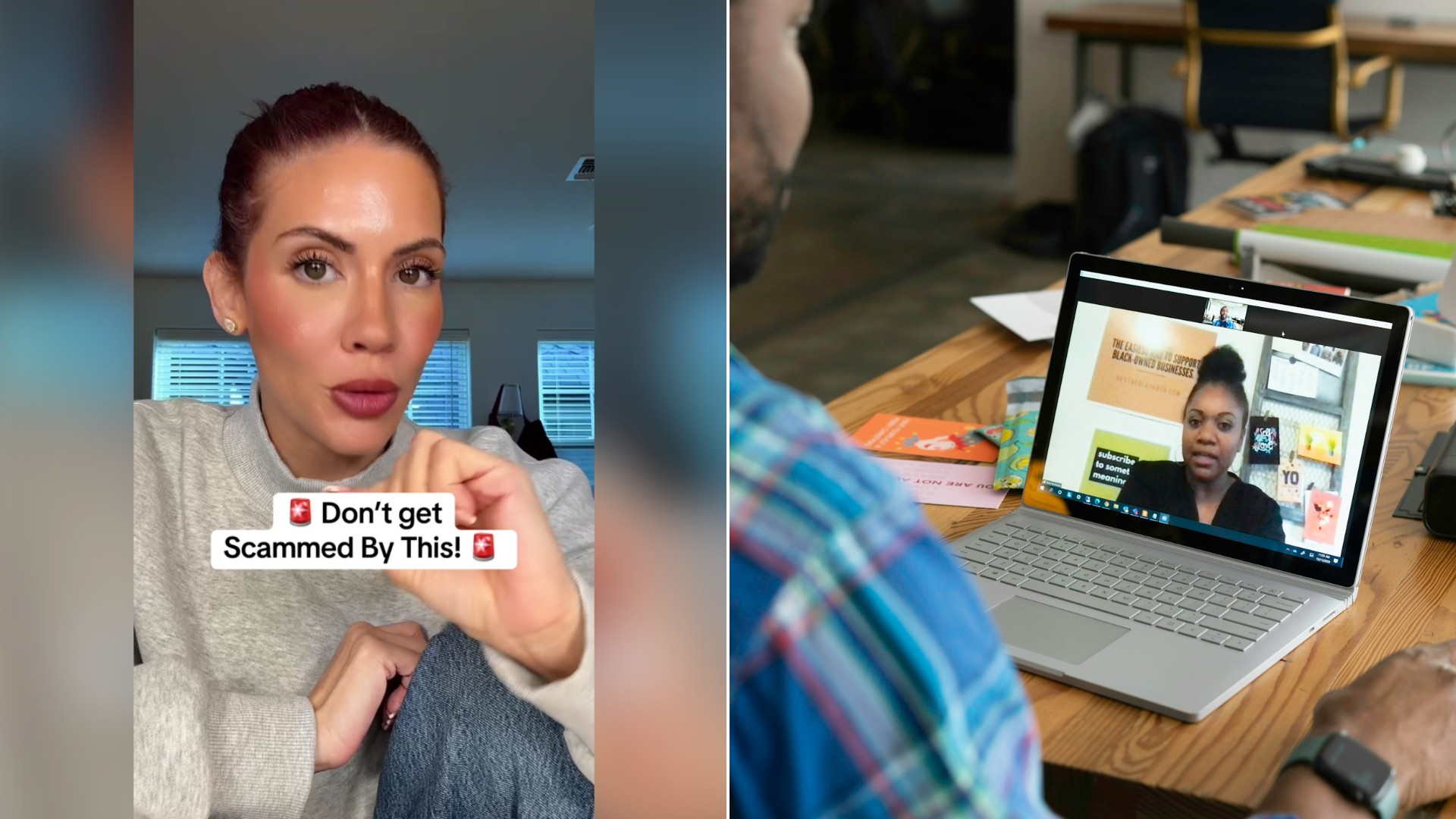
Her TikTok is captioned “Change this one setting so you don’t get scammed (like I almost did).” It is a short lesson that takes about a minute to put into practice.
@ingridexplainsitall
“Super Important Meeting, Must Attend” Appears On Her Calendar Out Of Nowhere
She says that about three days before she posted, a new event showed up in her Google Calendar. She had not created it, and she did not recognize it.
The title read “Super important meeting, must attend.” Inside the event was a Microsoft Teams link.
It is easy to see why that kind of invite gets attention. A calendar entry feels like it belongs to you, and the words “must attend” create a little jolt of pressure to act.
The Wording Sounded Off, So She Did Not Click The Teams Link
Something about the message did not sit right with her. She says the wording sounded off, and she decided not to click the link.
That small pause is the most important part of her story. Scams often depend on people reacting quickly, before they have time to think.
Instead of clicking, she went to her computer and started researching. She says she learned that invites like this one are used in scams, and that they can put accounts or money at risk.
Her Fix Takes Less Than A Minute On A Computer
After her research, she changed a setting in her calendar so strangers cannot drop events onto it. She says to do it on a computer, since that is where she found the option.
Here are the steps she describes.
- Open Google Calendar on a computer.
- Click the settings gear.
- Find the option that lets anyone add invitations to your calendar.
- Limit it so only senders you recognize can add events.
Google’s own help page names the setting. Look under Event settings for “Add invitations to my calendar,” and choose “Only if the sender is known.”
Report Suspicious Events As Spam To Get Rid Of Them
If a strange event has already landed on your calendar, you can deal with it without clicking anything inside it. Suspicious events can be reported as spam, which removes them.
Reporting the event is better than simply ignoring it. It clears the entry from your view, and it tells Google that the sender may be abusing the system.
Do not accept the invitation, do not reply, and do not open any links or attachments in the event description.
Why Fake Calendar Invites Work On Smart People
Most of us have learned to be cautious with strange emails and text messages. A calendar invite feels different because it shows up inside an app we use every day.
Scammers know that, and they borrow names people trust. A link that points to a familiar meeting service can look routine, especially when the event is dressed up with urgent wording like “must attend.”
The safe habit is the same for every kind of message. If you did not expect it, do not click it.
Other Ways To Protect Yourself
Her tip is a good start, and a few more habits can keep your accounts safer.
- Treat urgent wording as a warning sign. Real meetings usually come from a person or company you know.
- If you are unsure, contact the supposed sender by a different route, such as a phone number you already have, and ask whether they sent the invite.
- Turn on two step verification for your email and calendar account, so a stolen password alone is not enough.
- Never enter your password after clicking a link in an unexpected invite or message.
- If you already clicked, change your password right away and review your account’s recent activity.
If you help an older relative with their computer, this is a perfect task to do together. It takes only a few clicks, and it closes a door that scammers like to use.
What To Do If You Already Clicked A Suspicious Link
Mistakes happen, even to careful people. If you opened a link from an unexpected invite, close the page immediately and do not type anything into it.
Then change the password on the account that was open at the time, using a trusted device. Check your recent sign-in activity for anything you do not recognize, and sign out of other sessions if the option is offered.
If any money or financial details were involved, contact your bank or card issuer right away. The sooner you report a problem, the more options you usually have.
The Bottom Line From Her Near Miss
She says she almost got scammed, and she is glad she trusted her instincts. The invite sounded wrong, so she did not click, and then she did the homework.
Her advice comes down to one change in Google Calendar: let only senders you recognize add invitations. It takes a couple of minutes, and it is worth sharing with someone who might not know.
More Stories You May Like
- Woman Puts A Vest That Says ‘Do Not Kill Thanks’ On Her Neighborhood Deer Daisy, Who Even Comes Inside Her House, Hoping Hunters Will Spare Her
- Restaurants Keep Getting Reservations That Never Show Up, And A Server Thinks The New Fad Is Guests Booking Several Spots Under Different Names And Going Wherever They Feel Like
- Florida Man Plans A $20 Tip For His Olive Garden Waitress On An $80 Bill, Hands Her A $100 Bill, And She Is So Happy That He Lets Her Think All Of It Is Her Tip