You land after a long flight, find a seat near your gate and spot a free network with a friendly name. Your phone is nearly dead, you have bills to pay and a hotel to confirm, and the connection is right there for the taking. It is easy, it is free and it is exactly the kind of convenience that can get a traveler into trouble.
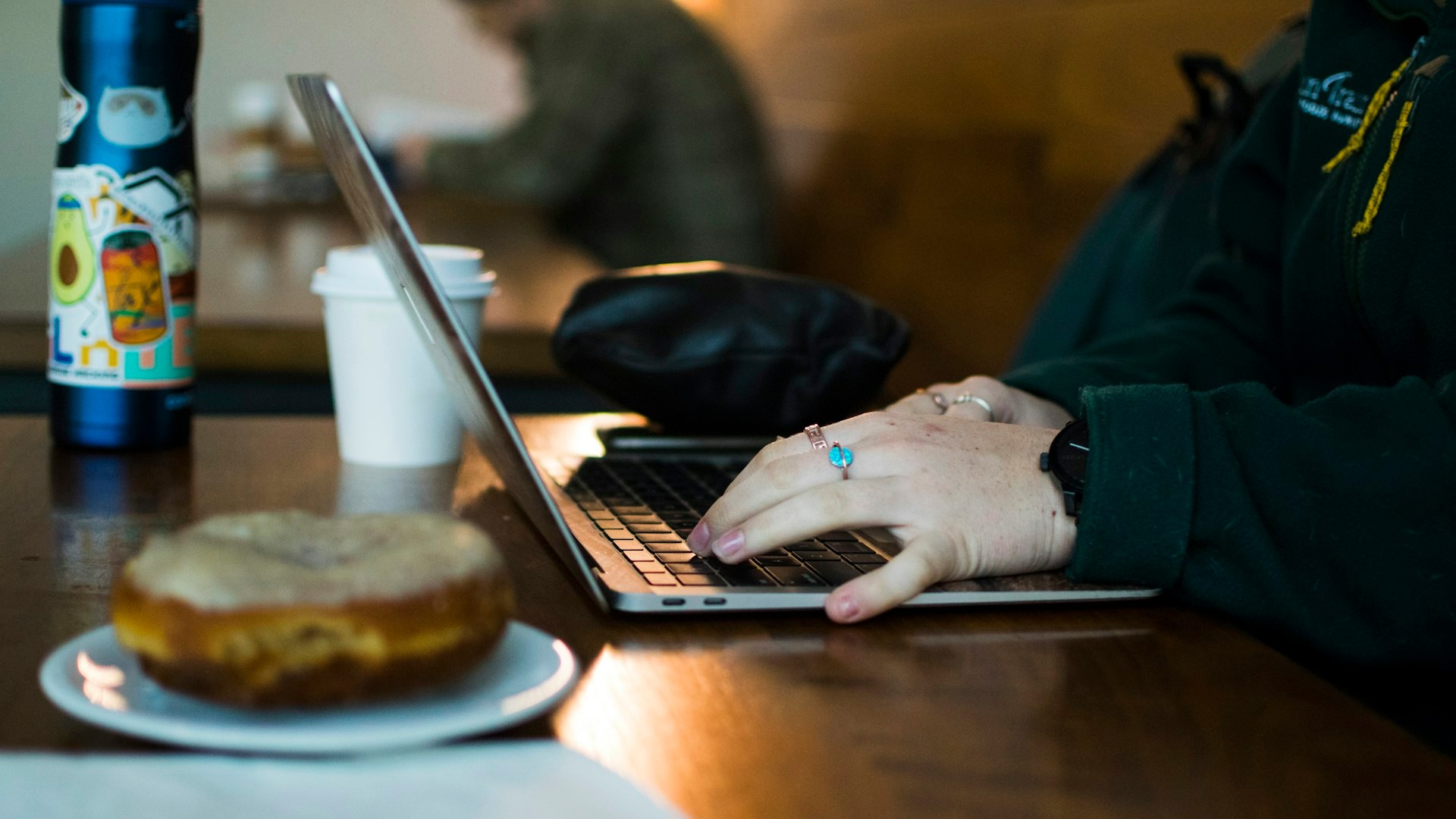
Public WiFi at airports, hotels and cafes is built for convenience, not for privacy. Many of these networks are shared by hundreds of strangers, and it can be hard to know who is on them or who set them up. You do not need to avoid them completely, but you do need a few ground rules. Here are seven things not to do on public WiFi if you want to keep your banking details and passwords safe.
1. Do Not Log Into Your Bank
This is the big one. Checking balances, moving money and paying bills are the activities that matter most to protect. If you can wait, wait until you are on a trusted connection. If you cannot, use your phone’s cellular data or a personal hotspot instead of the shared network.
2. Do Not Sign Into Accounts With Your Passwords
Email, shopping sites, social media and anything that holds personal details all deserve care. If you must sign in, be sure the site is encrypted, which usually shows as a padlock symbol and an address that begins with https. Turn on extra sign-in protection, such as a code sent to your phone, wherever it is offered. Never reuse the same password across accounts.
3. Do Not Join A Network Without Confirming Its Name
Crooks can set up fake networks with names that look just like the real thing, such as an airport name with a small twist. Before you connect, ask a staff member or look at a posted sign for the exact network name and any password. Do not pick the first option that looks right. If something seems off, such as two similar names, skip them both.
4. Do Not Click Through Warnings Or Odd Login Pages
Many public networks ask you to accept terms on a page. That is normal. But if a page asks for more than you expect, like a bank login, a card number or lots of personal details, close it. Likewise, if your browser shows a security warning, stop and do not continue. Those warnings are there for a reason.
5. Do Not Shop With Your Card
Buying a gift, booking a tour or entering your card number into a form may feel harmless. But your card details are valuable. Wait until you are on a secure connection, or use your phone’s data. If you need to pay for something urgent, consider using a payment method on your phone that does not expose your card number directly.
6. Do Not Leave Sharing Turned On
Your device can be set to share files or let others find it on a network. At home, that may be handy. On a public network, turn those features off. Also turn off automatic connection to open networks, so your phone does not join a network without your say-so.
7. Do Not Skip Updates And Protection
Keep your phone, tablet and laptop updated before you travel, since updates often fix security holes. Use a screen lock, and consider security software that you trust. Log out of accounts when you finish, and forget the network when you leave so your device does not rejoin it later.
Safer Ways To Get Online While Traveling
- Use your phone as a personal hotspot, which creates your own private connection through your cellular plan. Set a strong password on it.
- Use a reputable VPN service, which encrypts your traffic between your device and the VPN. Choose one with a good reputation, since a poor one can create new risks.
- Confirm the exact network name with staff before joining.
- Save sensitive tasks for a trusted connection, such as your home network once you return.
If You Think Something Went Wrong
If you suspect your information has been exposed, act quickly. Change the passwords for the affected accounts, starting with email and banking, using a device and network you trust. Call your bank or card company, tell them what happened and ask them to watch for suspicious activity. Review your statements closely over the next several weeks. If you have turned on extra sign-in protection, check your account for sign-ins you do not recognize.
Convenience Is Not Worth Your Savings
You do not have to give up the comfort of staying connected on the road. You only need to be a little pickier about what you do on a shared network. Keep the banking for a private connection, double-check the network name, use your hotspot or a trusted VPN and keep your devices up to date. A few smart habits can keep your trip about the sights, rather than about cleaning up a mess when you get home.
More Stories You May Like
- Wedding Content Creator Reveals Five People You Should Never Feel Guilty Leaving Off Your Guest List, and Plenty of Families Are Not Going to Like Hearing It
- Beauty Shopper Discovers Her Fenty Powder Went From 28 Grams to 15 Grams While the Price Climbed From $36 to $39 and Says She Is Done Buying It
- Man Says the Best Tacos in Ireland and Maybe All of Europe Came from a Place He Did Not Expect