Checking into a hotel usually starts with a smile and a key card. One guest says that at a Best Western in San Jose, California, it started with a screen. @higherupwellness filmed the lobby and posted it on TikTok.
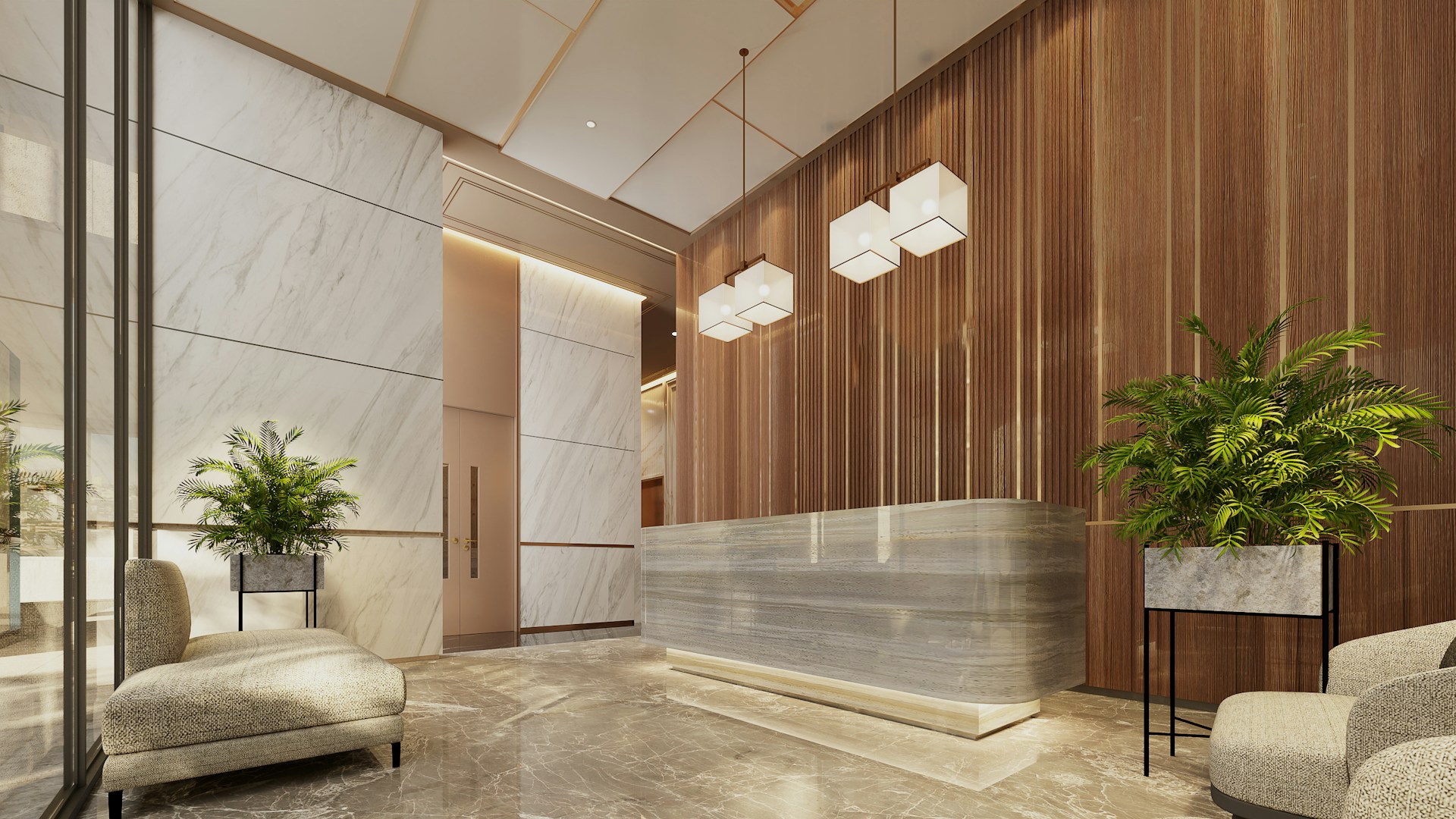
He says there was no staff in sight. Instead, guests step up to a kiosk and check in over a video call with a remote assistant.
No One At The Front Desk, Just A Kiosk And A Video Call
The setup, as he shows it, is simple. A guest walks up to the kiosk and a remote assistant appears on screen to handle the check-in.
The scene struck him as odd enough to pull out his phone. In the video, he asks the question that became the heart of his post: “Is this normal in Northern California?”
@higherupwellness
He Says The Remote Assistant Was Doing A Poor Job
The guest says the assistant on the screen was not doing a good job of getting people checked in. That made the process slower and more awkward than it needed to be.
He also points to another guest. A woman who was checking in at the same time, he says, was frustrated.
It is a very specific kind of annoyance. After a long day of travel, many guests just want a room key and an elevator, and not a video chat with a stranger.
His post is a snapshot of a quiet shift happening across the travel world. Guests who once expected a warm hello at the counter are being asked to adapt to screens.
The kiosk and the remote assistant are meant to do the same job as a person standing behind the desk, which is to verify your reservation, take your payment details and hand over your key.
Commenters Said They Want Human Contact
The post drew plenty of reactions. Commenters said they want human contact when they stay in a hotel.
For many travelers, that is the whole point of paying for a room. A front desk clerk can answer questions about the neighborhood, fix a key card problem and solve the little surprises that come with a trip.
The kiosk approach has been around for a while. It has been reported that the chain has used this kind of kiosk setup at locations for at least two years.
For guests who are older or less comfortable with technology, a video call can add stress to an already tiring day. Even savvy travelers can run into trouble when a screen freezes or a connection lags.
Why Hotels Are Experimenting With Remote Check-In
Hotels have been under pressure to run leaner. Labor is one of the biggest costs of running a property, and technology that lets one remote team cover several locations is attractive to owners.
Self-service check-in is also now common in many places. Plenty of guests use mobile apps to check in and unlock their rooms with a phone, and they like the speed.
The question for travelers is whether the experience still feels like hospitality. When the technology works, check-in is quick. When it does not, the guest is left stranded in a lobby with a screen and a long line behind them.
There is a trade-off hotels point to, which is that remote staff can be available around the clock even when a building is quiet at night. For some guests arriving late, a voice on a screen may beat a locked door.
Still, the human touch matters in this business. A good clerk can upgrade a room, recommend a dinner spot or notice that a guest looks exhausted and speed things along, and a kiosk cannot do those little things on its own.
How To Handle A Kiosk Check-In Like A Pro
If you have booked a stay and expect a kiosk, a few simple steps can save you grief at the lobby.
First, check in online before you arrive if the hotel offers it. Many chains let you complete registration, add your ID and payment details and receive a digital key through their app, which can skip the lobby step completely.
Second, keep your confirmation number, photo ID and payment card handy. Whether the helper is a person at a desk or a face on a screen, those three things are what get you to your room fastest.
Third, read the booking details before you commit. If you care about a staffed front desk, look at recent guest reviews and search for words like front desk, kiosk or check-in to see what other travelers experienced.
Fourth, call the property if the kiosk is not working. The hotel will have a phone number, and a staff member or manager can often step in or send help.
Be patient with the helper on the screen. Speaking clearly, holding your ID up to the camera and confirming your name and dates can move things along, even when the connection is not perfect.
Finally, speak up afterward. If the experience was frustrating, tell the hotel through the booking site, the brand’s customer service line or a review. Feedback from guests is how a company learns what is working and what is driving people away.
The guest’s question, “Is this normal in Northern California?”, will keep getting asked wherever a screen replaces a smile. For now, travelers who prefer a person on the other side of the counter can still vote with their bookings.
More Stories You May Like
- Checking Into The World’s Largest Hotel With Over 7,000 Rooms Means A Two To Three Hour Wait At The Desk, And Even The Kiosk Line Is Packed
- Airport Employee Ends Up Covered In Tomato Sauce After A Passenger’s Food Gets Thrown Away, Turning An Ordinary Security Check Into A Complete Mess
- Diner Orders A $24.75 Burger And $3.00 Truffle Fries At Earls Kitchen, Finds A Sneaky 3% Admin Fee On The Bill, And Fumes Over Being “Harassed And Extorted” With No Tip For You