When you scroll through your feed or travel sites, some photos might look stunning but could actually be created by AI. The easiest way to tell if a travel photo is AI-generated is to look for subtle inconsistencies like strange reflections, repeating patterns, or unnatural shadows, especially in eyes or textures. These small details usually give away what’s real and what’s synthetic.
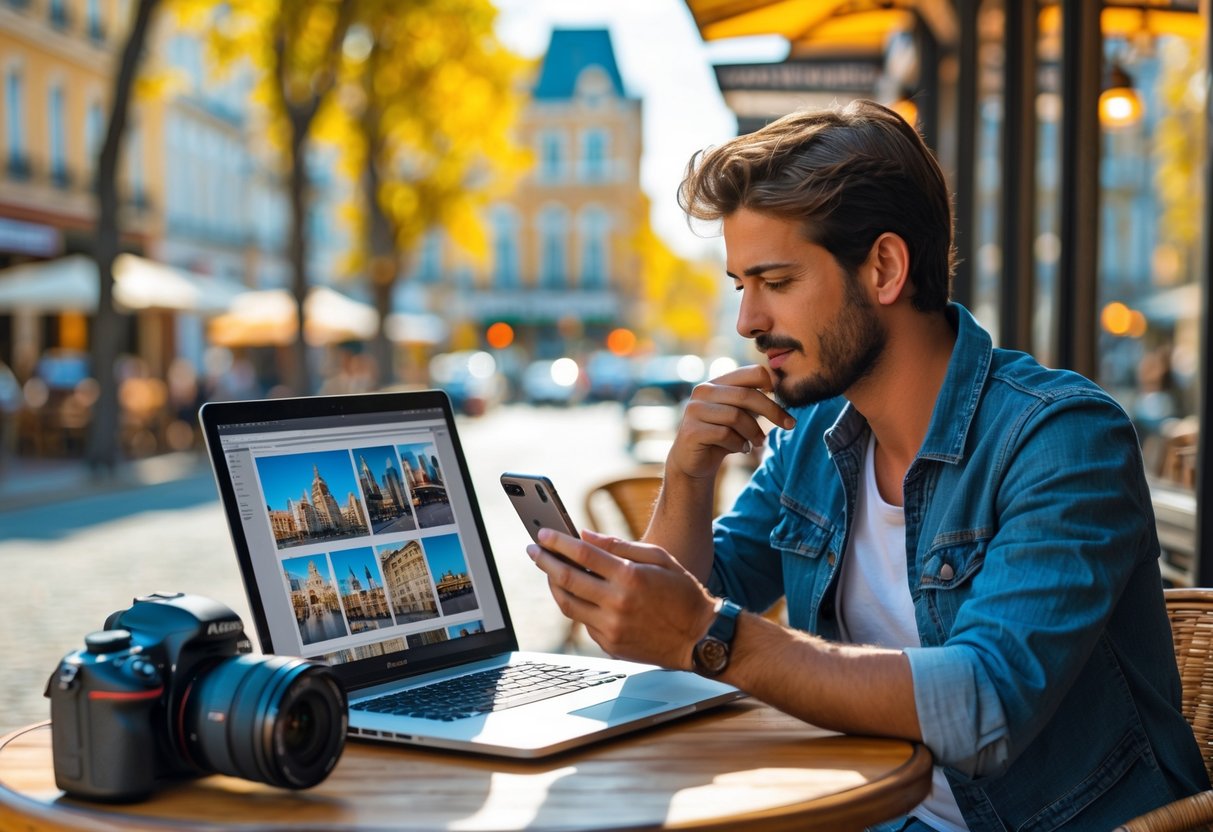
You can also try running a reverse image search to see if the photo appears in multiple places online. AI-generated images often show up less frequently or only on certain platforms. Paying attention to these clues can help you spot the difference and avoid being fooled by impressive but fake pictures.
Spotting AI in Travel Photos

You can often catch AI-generated travel photos by paying attention to small errors and odd details. Look closely at lighting, shadows, and background elements. Sometimes, text or tiny artifacts can give the image away.
Obvious Visual Tells
First, zoom in and check for visual oddities. AI images may have blurry or overly smooth parts where details should be sharp. Trees, water, or building edges might look warped or inconsistent.
Patterns that repeat too perfectly are another hint. Natural scenes rarely have identical leaves or clouds stacked exactly the same way. AI sometimes struggles to place objects realistically, so look for strange shapes or unnatural textures.
Inconsistent Lighting and Shadows
Lighting can be a dead giveaway. Check if the shadows match the light source direction and intensity. AI often messes this up, causing shadows to fall the wrong way or vanish entirely.
Watch for uneven lighting across objects. If one side of a person or building is bright but the shadow side looks oddly lit or missing, the photo could be AI-made. Natural photos have consistent light behavior based on time of day and weather.
Unusual Details in People and Places
People and animals in AI photos may have extra or missing fingers, distorted faces, or awkward poses. Eyes can look mismatched or blurry. These errors are common because AI struggles with complex human details.
Similarly, landmarks and structures might blend wrong or have architectural glitches. Signposts, statues, or cars can appear incomplete or merged oddly with backgrounds. Look closely for any surreal or distorted parts in familiar sights.
Strange Text or Artifacts
Text in AI images often looks like gibberish or random squiggles. Signs, billboards, or labels might show nonsense characters instead of readable words. This is a quick way to spot AI content.
You may also notice tiny white specks, odd pixelation, or unexplainable color smudges around edges. These artifacts happen during AI generation and can be subtle but revealing clues that the photo isn’t real.
Digging Deeper: Tools and Techniques
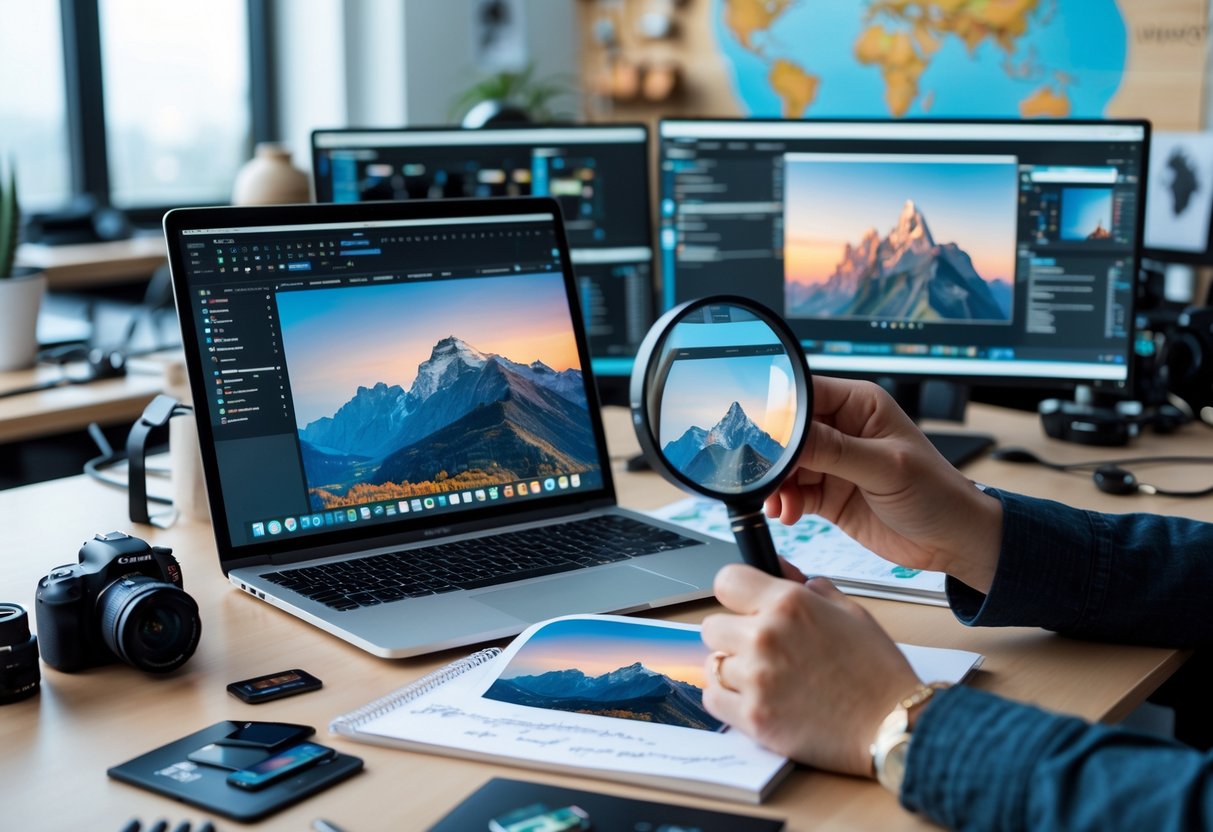
Knowing where to look and what to use sharpens your ability to spot AI-created travel photos. Some methods focus on tracing images back to their source, while others analyze the image’s technical details or apply AI-targeted detectors.
Reverse Image Search Methods
You can start by uploading the photo to reverse image search engines like Google Images or TinEye. These tools scan the web to find matching versions or similar images. If the image is AI-generated, it may not show up exactly, but you might find closely related images used elsewhere.
Watch for results that link to multiple unrelated travel photos or inconsistent sources. This inconsistency suggests the image might be synthetic or manipulated.
Reverse searches can also help uncover if a photo was reused from different places or times, which is common for fake travel shots.
AI Photo Detection Apps
There are apps and websites designed specifically to identify AI-generated images. Tools like AI Image Analyzer or GAN Detector scrutinize patterns and artifacts typical of AI art.
These apps highlight anomalies like unnatural hand shapes, odd reflections, or strange backgrounds. You just upload the photo, and the app provides a confidence score showing how likely it is AI-made.
Keep in mind these tools aren’t perfect. They can produce false positives or miss subtle fakes, but they give a solid starting point.
Comparing Metadata
Metadata stores details about a photo, like the camera used, date, and editing software. You can check metadata using programs like ExifTool or online metadata viewers.
If you find missing metadata or info that points to image editing software instead of a camera, it might be a sign the photo is generated or heavily altered.
Sometimes, metadata can be faked or stripped, so take this as one factor among others. Still, comparing metadata across suspected images can reveal inconsistencies or manipulations.

As a mom of three busy boys, I know how chaotic life can get — but I’ve learned that it’s possible to create a beautiful, cozy home even with kids running around. That’s why I started Cultivated Comfort — to share practical tips, simple systems, and a little encouragement for parents like me who want to make their home feel warm, inviting, and effortlessly stylish. Whether it’s managing toy chaos, streamlining everyday routines, or finding little moments of calm, I’m here to help you simplify your space and create a sense of comfort.
But home is just part of the story. I’m also passionate about seeing the world and creating beautiful meals to share with the people I love. Through Cultivated Comfort, I share my journey of balancing motherhood with building a home that feels rich and peaceful — and finding joy in exploring new places and flavors along the way.